
Lyrics & lines
Concerts, recitals, and worship — line-by-line text. Song titles shrink to fit; the chevron stays a fixed size.
Vhalar Studio
Live screens for concerts, conferences, sports, schools, and any stage. Audience, Stage, Room, and Stream — the room only sees what you send.
1 month free on the installed booth. No credit card required to start. First bill after the free month: ₱149 / month (students and teachers) or ₱399 / month (church, gym, or event space).
Live production
Conference
Concert

Keynote
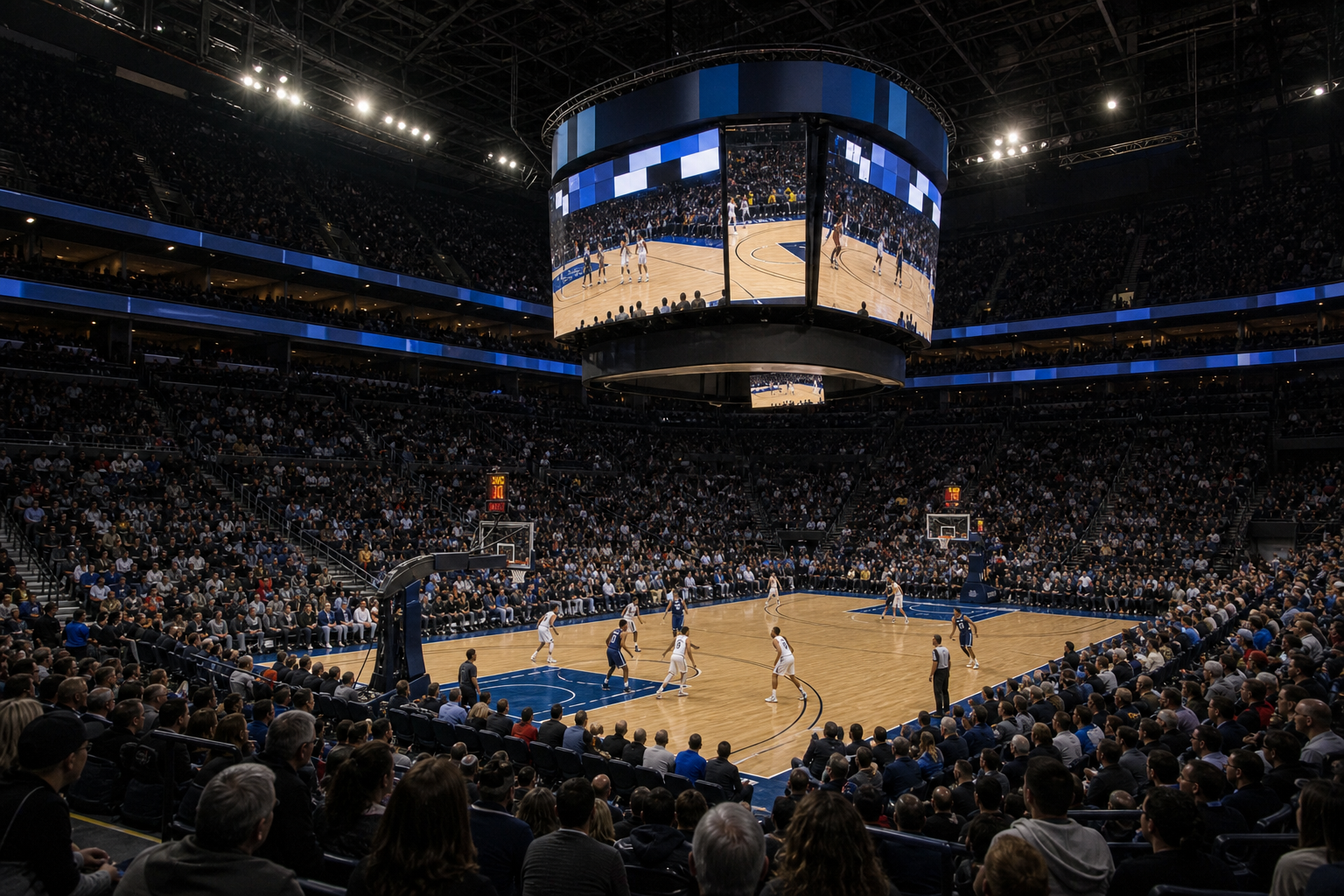
Sports
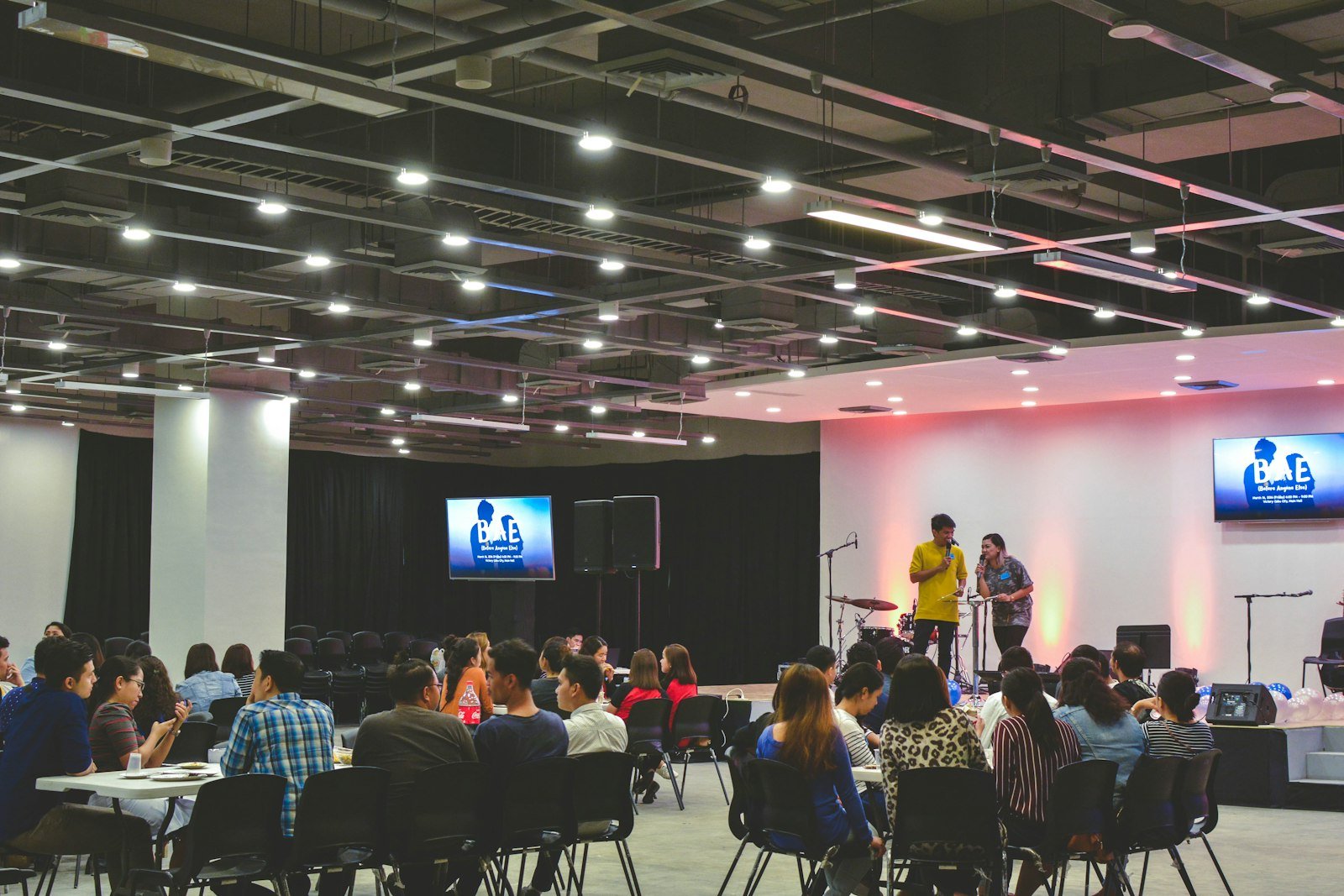
Hall
Vhalar Studio
Live presentation software for any room with a screen. Built for volunteers. Strong enough for a full production. The next slide stays on your laptop until you send it.
Event list
Welcome.
Tonight's program starts now.
Opening · Main hall
Show on screen
Press Enter
Next slide (only you see this)
Next speaker · Ana Reyes
Director of Operations
Live control
Keep the current slide on the big screen. Build the next lyric, name, or video on your laptop. Press Send when the moment comes — the house never sees the work-in-progress.
Learn moreScreens
Display Node fullscreen on the TVs you assigned. Stage follows Audience unless you hold Stage only. Room waits until you send. Stream overlay is text over camera in OBS; pictures and videos fill house Program.
Learn moreStage
Speakers and performers see the next line and the clock. The audience only sees the finished slide. That split is the whole point of the desk.
Learn moreText on screen
A speaker name, a score, a welcome, or a verse — without rebuilding a PowerPoint. Type it, check it in Practice, send it. Scripture lookup is there if the event needs it.
Learn moreMore in the desk
Concerts, recitals, and worship — line-by-line text. Song titles shrink to fit; the chevron stays a fixed size.
A clock the room can read before doors or kickoff.
Full picture, no crop (letterbox if needed). House Display Node plays video sound; tablets stay silent. Rotate 90° when a phone clip is sideways.
Plug TVs in first. One process, fullscreen on Audience, Stage, and Room as you assigned in Screens. Laptop All screens is a muted preview only.
Program on a TV, tablet, or phone over Wi‑Fi. OBS overlay is lower-third text; Full Program is picture and video on the house.
Looks (including factory looks), outline paste from Word, Image and Video slides. On church Wi‑Fi tap Add to upload — Word cannot carry the file.
Talking points next to Practice / Program. Note manager on a tablet over the same LAN.
Photo and video in crew chat so sound and lighting stay in sync without shouting.
Careful mode previews first. Simple mode is pick-and-go. Same Send either way.
PDF slides (Poppler bundled on Windows). PPTX with PowerPoint or LibreOffice. Canva and a website as a scene.
Bible Advance, Program Media, notes, sound, and crew on phones and iPads on the church Wi‑Fi — same server as the booth laptop.
Mac .pkg or Windows Setup.exe: Operator + Display Node + local API. One Desktop shortcut. Update by running Setup again.
Scan on a phone or tablet
Point the camera at a code. Live Screen, Bible Advance, Program Media, and the full desk open in the browser. These go to this website. At the venue, keep using the local operators page so devices stay on your Wi‑Fi server.
TV · phone · tablet
Technical director
Stage preacher
Slide + video operator
Download
The browser tester is for trying the desk. For show night, one installer per booth computer: Operator, Display Node (house TVs), and the local server. Plug the TVs in first, then open Vhalar Studio.
One .pkg: Operator desk, Display Node on assigned monitors, and the API. Right-click Open the first time if macOS blocks it.
DownloadOne Setup.exe: Operator, Display Node, Live Screen, and Poppler for PDF slides. Run Setup again to update. PowerPoint or LibreOffice is only needed for PPTX.
DownloadLook at the desk in Safari. Demo admin / admin123. This is not the 1 month booth trial. Trial starts when you Sign in on the installed Mac or Windows app.
OpenInstallers are hosted on bdc.solutions/downloads. After install, the Desktop shortcut starts Operator and Display Node. Assign screens in Settings → Screens. OBS: overlay for text, Full Program for picture/video.
A plan for every venue
Free
Not the 1 month booth trial
Look at the desk in Safari. Demo admin / admin123. The 1 month trial starts only when you Sign in on the installed Mac or Windows app. No credit card required to start.
₱149/ month
Classroom and volunteer teachers
School verification is required. 1 month free on the installed app, then ₱149 / month. No credit card required to start.
Most venues
₱399/ month
or ₱3,990 / year
Sanctuary, gym, or event space. 1 month free on the installed booth, then ₱399 / month. No credit card required to start.
Tools for every industry
Same Send. Same practice pane. Different rundown. One operator can cover the hall, the stage, and the people watching online.
Keynotes, breakouts, and sponsor slides without rebuilding a deck mid-session. Names and titles go up in seconds.
Line-by-line lyrics, lower thirds, and a countdown to doors. Change the next song without touching what’s already live.
Scores, names, and announcements on the board and the stream. Fast enough for timeouts. Clear enough for the crowd.
Assemblies, graduations, and classrooms that need a projector and a livestream — without a fragile office slideshow.
Overflow rooms, lobby feeds, and a separate frame for online. One send, or a different layout if the stream needs it.
Feed the livestream from the same desk as the hall. The next slide stays on the laptop until you send — nothing leaks on air.
What you can expect
Simple mode is pick and go live. Careful mode adds Practice so volunteers can check a slide first.
The audience only sees what you send. The next lyric, name, or video stays on your laptop until then.
Venue plans include setup and a rehearsal. Not a download-and-hope install.
Skip an item, jump ahead, or start a countdown mid-show. The rundown is meant to change.
Test drive
Not a slideshow of screenshots. The same operator desk you would run a show with. Click through the browser demo on this site, or install the app for a 1 month full free trial — every live function — with no card up front. Your first bill is after the free month: ₱149 / month for students and teachers, or ₱399 / month (₱3,990 / year).
Demo admin / admin123
Questions
Try the desk first. If you still have a question, write us — we run shows too.
bdctechsolutions.services@gmail.comNot to try it. Open the operator desk in your browser. For a real hall, install one package on the booth Mac or Windows PC. That starts the desk, the house Display Node, and the local server. Plug the TVs in before you open Vhalar Studio, then assign Audience / Stage / Room in Screens.